Unleash the potential of your Food business.
Our unified platform is built to help restaurants with automation to improve bottom-line efficiency and focus on what matters the most- serving great food.
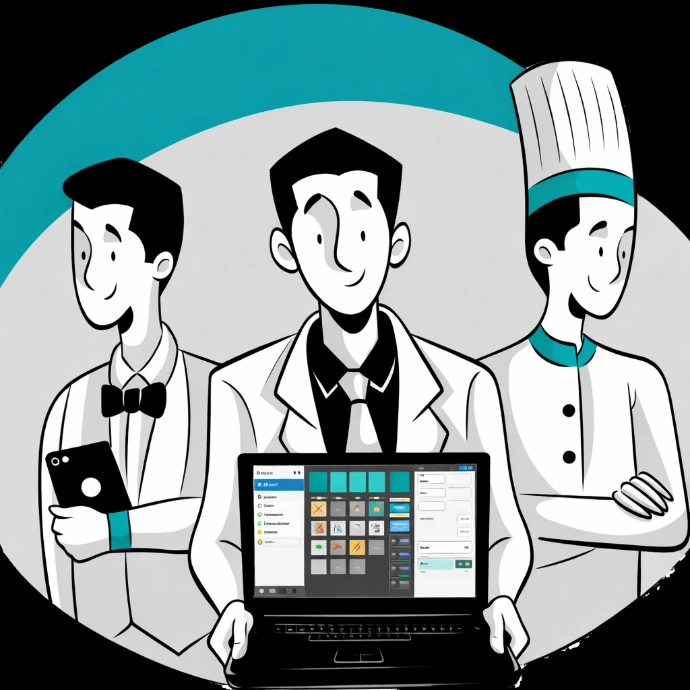
"This platform is going to be the one of the best software in the F&B sector."

Unified restaurant management platform that works for all

Fine Dining Restaurants
Elegantly manage multiple tables, multiple dining areas, and multiple kitchens.

Bar and Pubs
Your tapper will serve pints and drinks with a smile when all his operations are automated by Parchika.

Cake, Coffee, or Cafe
Boost the efficiency of your cafe, and enhance the customer experience with a best-in-class POS

Take Away - Quick sell
Process high-volume orders in seconds and keep queues moving with lightning-fast billing and smart order management.

Food Truck
Run your food truck effortlessly with mobile-ready POS that works anywhere you serve—fast, flexible, and reliable.

Pizza Shop
Customize orders, manage toppings, and track every slice with a POS built for made-to-order pizza businesses.

Groceries Store
Simplify billing, inventory, and daily operations with a POS designed for fast checkouts and accurate stock control.

Retail Outlet
Manage products, pricing, and sales seamlessly while delivering a smooth checkout experience for every customer.

Every business is different
That’s why we deliver fully customizable POS solutions designed around your exact needs.
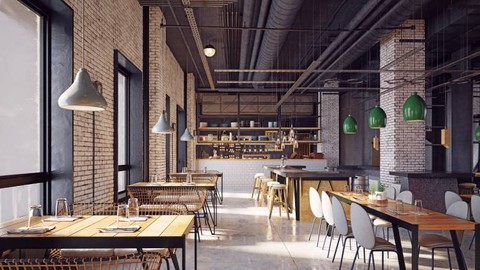
Fine Dining Restaurants
Manage reservations, table service, multi-course billing, and staff tips — all from one elegant system built for upscale dining experiences.
Lean More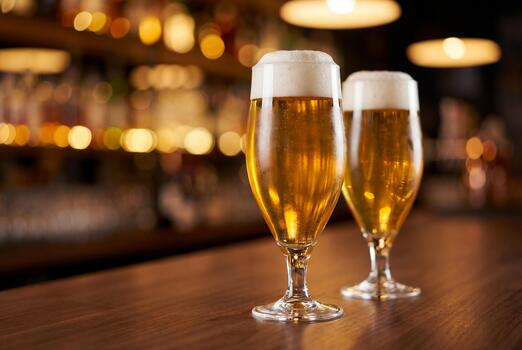
Bars & Breweries
Run your bar with fast tab management, drink modifiers, happy hour pricing, and age verification — keeping service smooth during your busiest hours.
Lean More
Cafes
Take orders quickly, manage loyalty rewards, track your top-selling drinks, and keep queues short with a lightweight POS built for fast cafe service.
Lean More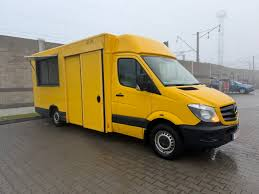
Food Trucks
Accept card and cash payments anywhere with an offline-ready mobile POS. Manage your daily menu, track sales by location, and print receipts on the go.
Lean More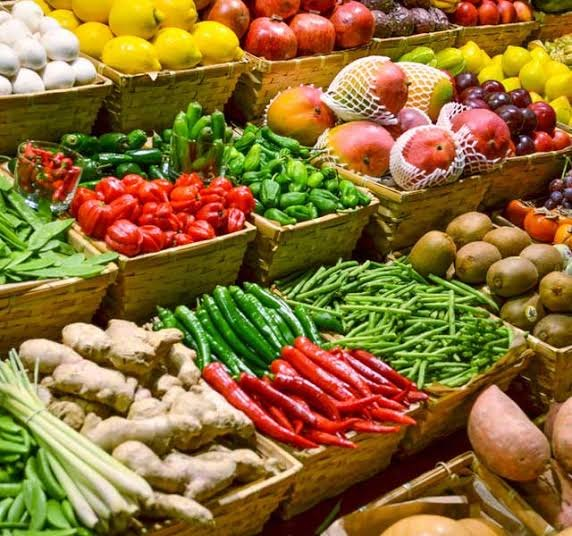
Interactive Workflow Tabs
The Smartest Way to Run Your Restaurant
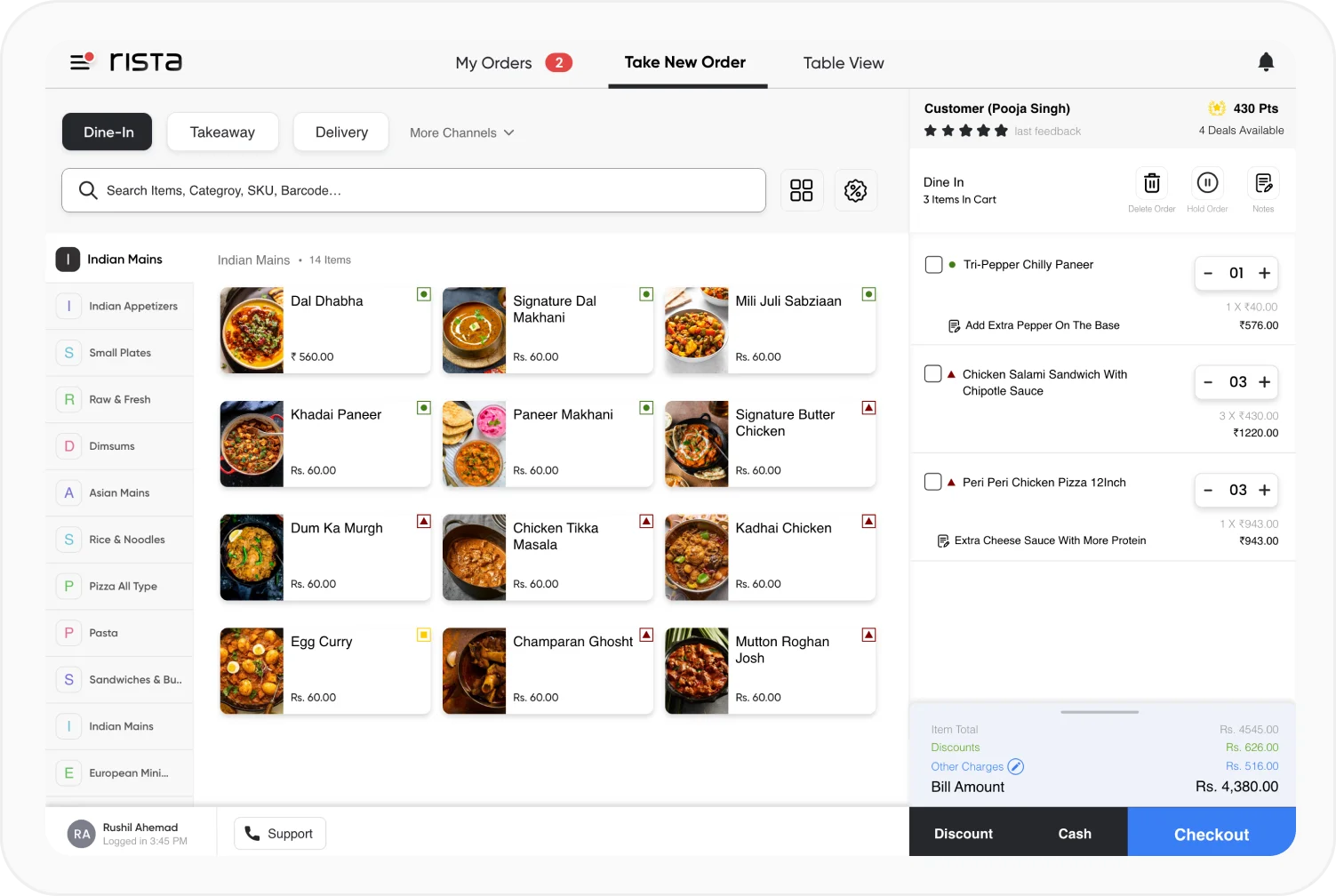
From the moment a customer walks in to the moment they pay — every step is managed in one screen. Take orders by table, send them to the kitchen instantly, and bill in seconds without any confusion or delays.
Whether you run a small café or a multi-floor restaurant, our system adapts to your floor plan, your menu, and your team. No paper tickets. No shouting. Just smooth, fast service that keeps your customers happy and coming back.
Tablet Ordering Stand
Mount any Android or iPad tablet as a sleek ordering
station. Waiters take orders tableside and send them
directly to the kitchen no paper, no delays, no errors.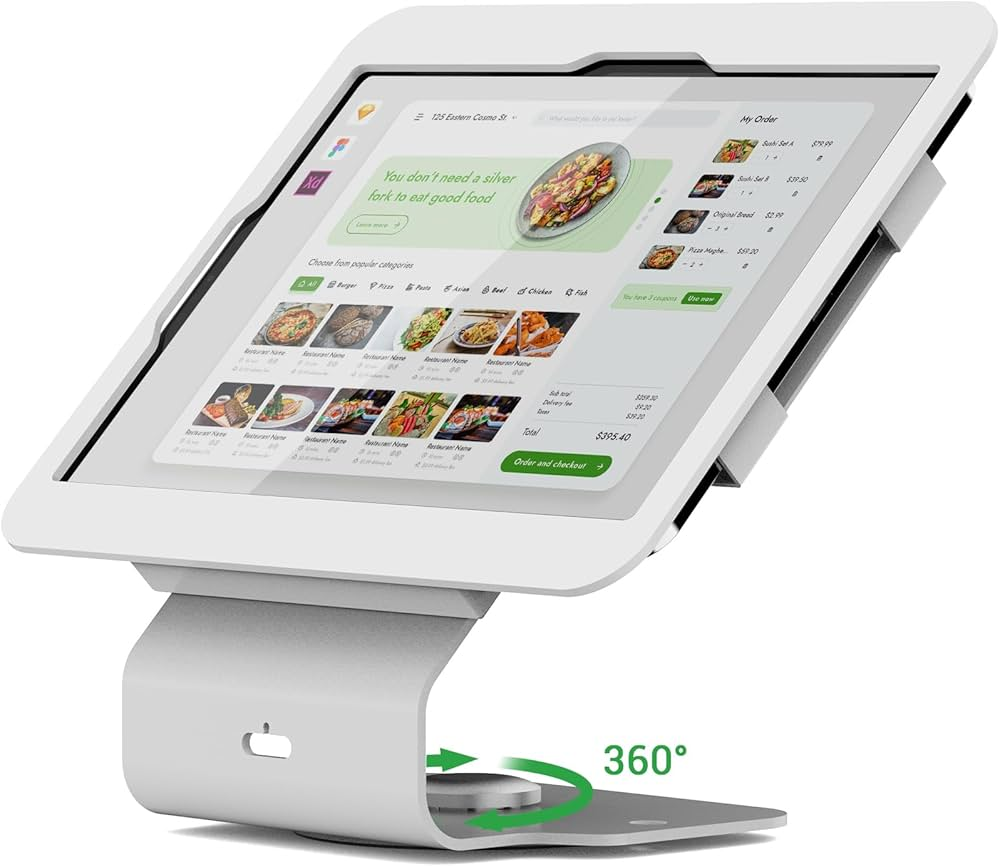
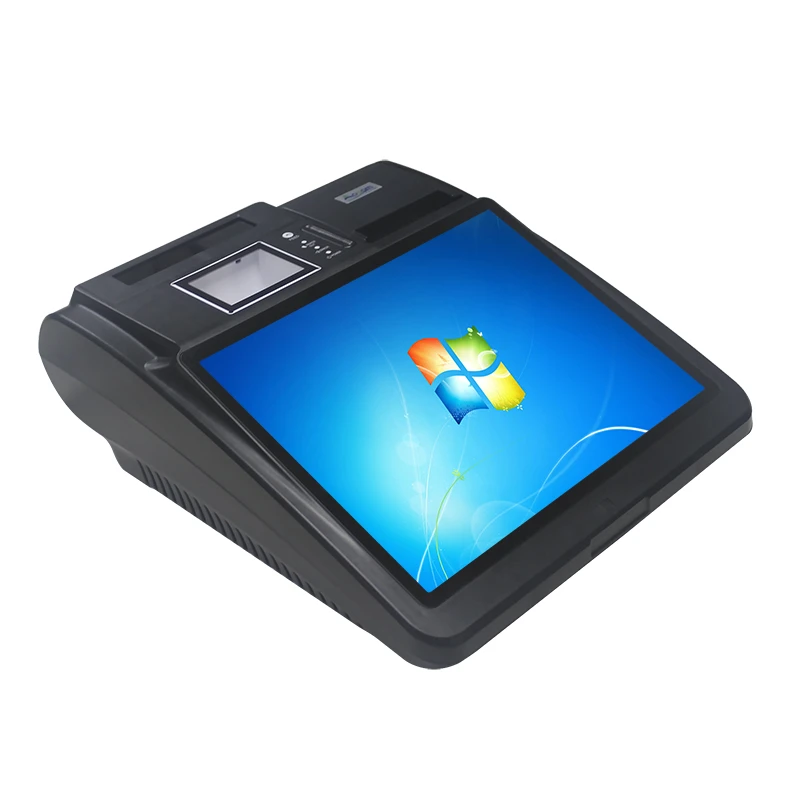
Full Desktop POS Terminal
A powerful all-in-one countertop station with a large touchscreen, built-in receipt printer port, cash drawer connection, and barcode scanner support perfect for busy restaurant counters and retail checkouts.
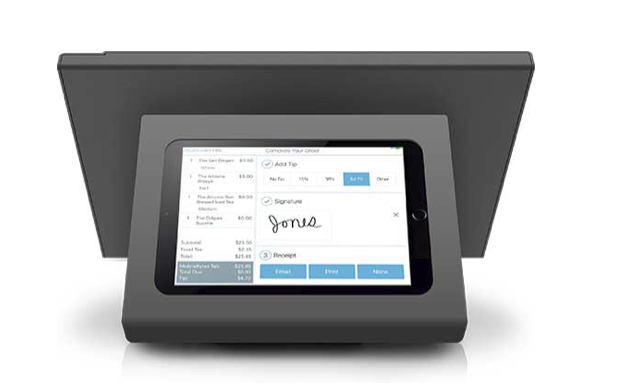
Customer-Facing Tablet Display
Show customers their order total, itemised bill, and payment options on a second screen. Builds trust, reduces disputes, and speeds up the checkout experience.
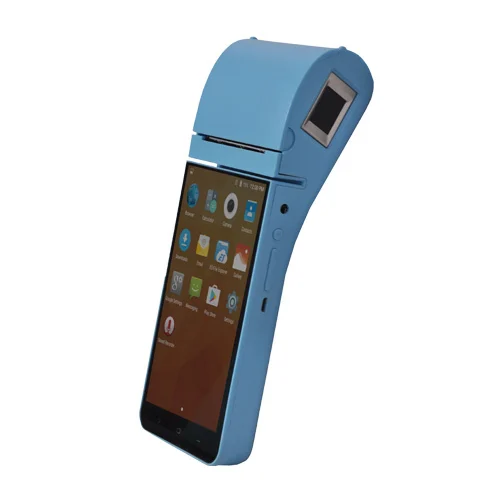
Mobile Handheld Device
Lightweight Android handhelds for floor staff to take orders, check table status, and process payments on the move — works perfectly even without a WiFi connection.
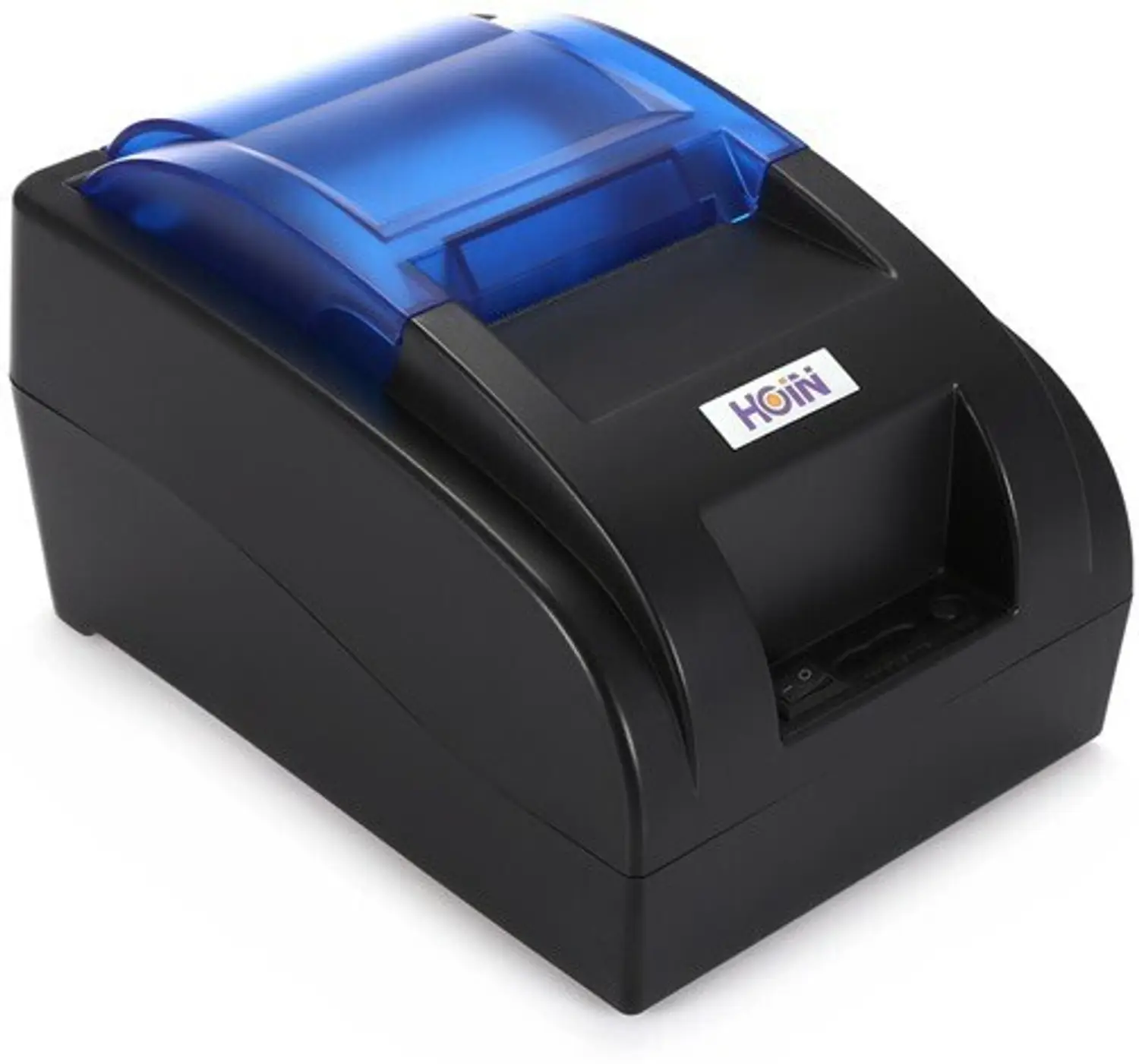
Thermal Receipt Printer
Fast, quiet, and reliable thermal printers compatible with all major brands. Print customer receipts, kitchen order tickets, and daily summary reports automatically.
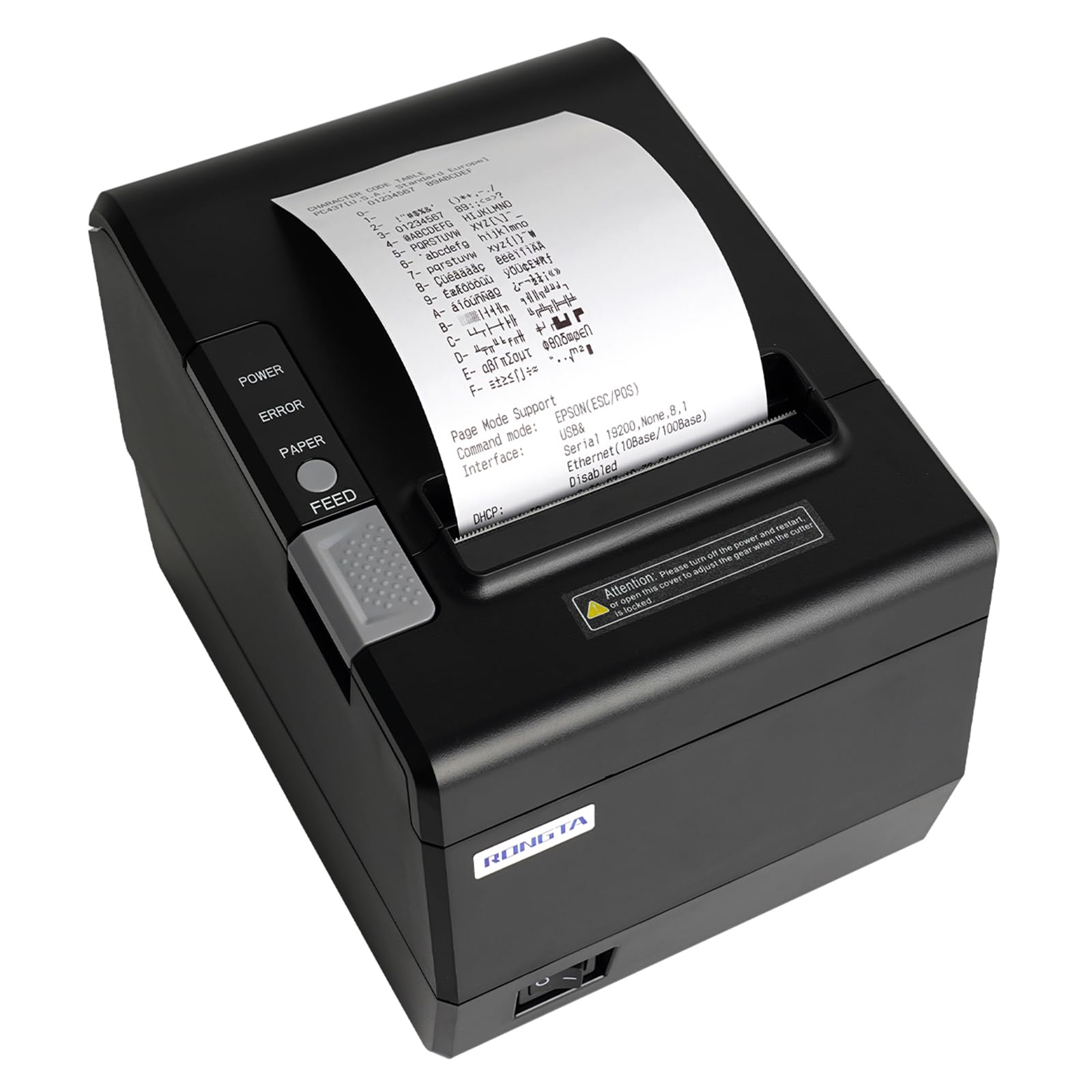
Kitchen Order Printer
Dedicated kitchen printer that receives orders instantly the moment they are placed — keeping your chefs informed and eliminating lost or delayed tickets during busy service.
Hardware Ecosystem Completely Covered
Compatible with Android, iOS, Windows, and all standard cloud receipt hardware.Compatible with Android, iOS, Windows, and all standard cloud receipt hardware.
Frequently Asked Questions
Everything you need to know about our POS system
✽ FAQ
1. Does your POS system work without internet?
Yes. Our POS works fully offline orders, billing, and payments continue normally without an internet connection. All data syncs automatically to the cloud the moment connectivity is restored.
2. Which hardware devices are compatible with your system?
Our system works with Android tablets, iPads, Windows desktops, handheld devices, thermal receipt printers, kitchen printers, barcode scanners, and cash drawers — from any standard brand.
3. Can I manage multiple restaurant branches from one system?
es. You can manage all your branches — menus, staff, sales reports, and inventory — from a single dashboard. Each branch has its own data but you see everything consolidated in one view.
4. How does the kitchen display system work?
The moment a waiter places an order, it appears instantly on the kitchen display screen. Chefs can mark items as ready, and the waiter is notified automatically — no paper tickets needed.
5. Can customers pay by card, cash, or digital wallet?
Yes. Our system accepts cash, credit and debit cards, QR code payments, Apple Pay, Google Pay, and all major digital wallets — at the counter or tableside.
6. How long does setup and installation take?
A standard restaurant setup is typically live within 1–2 days. This includes hardware installation, menu configuration, staff training, and payment gateway setup.
7. Can I customise the menu and pricing easily?
Yes. You can add items, change prices, create combo offers, mark items as sold out, and run time-limited promotions — all from your phone or tablet in seconds.
8. Is my sales data secure and backed up?
Yes. All data is encrypted and backed up automatically to the cloud every few minutes. Even if a device is lost or damaged, your complete sales history and customer data is fully protected.